Getting Started with Agentic Loops
How I stopped prompting my coding agent and started designing systems.
For about a year, my relationship with my coding agent looked like this: I prompt, it works, it stops, it asks "should I continue?", I say yes, repeat. I was the while condition of my own workflow. The agent was autonomous for exactly one turn at a time, and I was the most expensive component in the system: a human polling loop with a 15-minute latency.
Then loop engineering went from an obscure phrase to the loudest topic on my X timeline in roughly one week of June-July 2026, and Anthropic shipped a guide (July 7) that finally gave the discourse a shared taxonomy: turn-based → goal-based → time-based → proactive. More importantly, the primitives that used to require duct-taped bash scripts now ship as first-party Claude Code commands: /goal, /loop, /schedule, /workflows.
So I did what this log exists for: I took one task I was babysitting, a pull request with flaky CI and a slow reviewer, and converted it, piece by piece, into a loop. It worked. It also burned tokens on a runaway goal, hallucinated success twice, and taught me that the hard part isn't the loop. It's the verifier.
This article covers:
- what an agentic loop actually is (one sentence, no hype),
- the four loop types and the real mental model behind them: which piece of the work you hand off in each,
- the build log of my PR babysitter, from turn-by-turn prompting to a cloud routine,
- what broke, with the guard for each failure,
- when you should not loop at all.
What Is an Agentic Loop?#
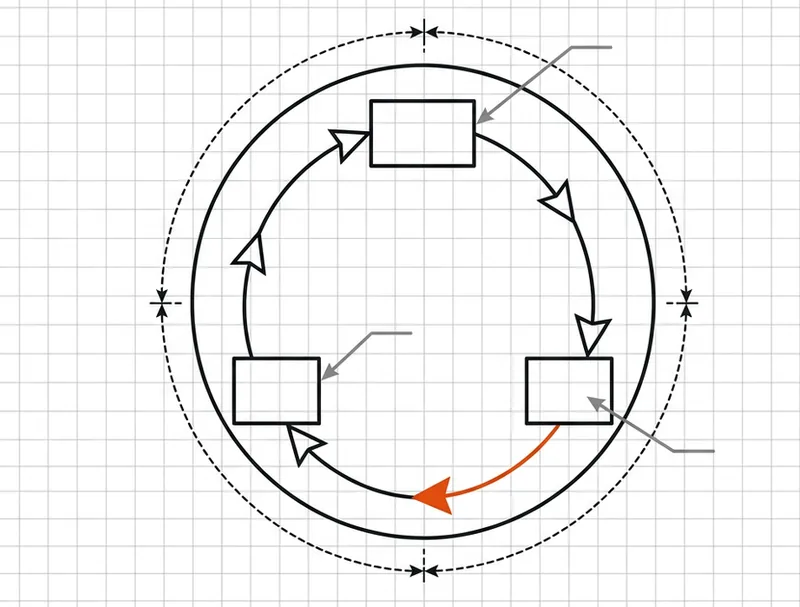
Definition: An agentic loop is an AI agent repeating cycles of work - reason, act, observe the result - until a stop condition is met: a verified goal, a turn cap, a schedule ending, or a human cancelling.
That's the canonical framing from the Claude Code team ("agents repeating cycles of work until a stop condition is met"), and it's worth being precise about because until last week "loop" meant five different things depending on who was posting: cron-for-agents, the community "Ralph" bash while-loops, full orchestration frameworks. The taxonomy killed the ambiguity.
Architecturally, none of this is new. The reason → act → observe cycle traces straight back to the ReAct pattern (Princeton/Google, 2022). The closed feedback channel is the whole point: a loop can see the result of its own action and correct mid-task. A one-shot prompt cannot; it fires once and hopes.
The distinction I keep coming back to:
A cron job runs a fixed script. An agent loop runs a model that reads the current state and decides its own next action.
// harness = the plumbing around the model. loop = the plumbing that feeds the model back into itself.
The skeptics have a fair reduction: strip the vocabulary and a loop is a while statement wrapped around an LLM call. True. What changed in 2025-2026 is that models got good enough for the while loop to actually pay off, and the primitives got shipped instead of hand-rolled. BabyAGI and AutoGPT planted the self-prompting idea back in spring 2023; they were unreliable toys. The idea didn't change. The models did.
TL;DR: A loop = trigger + actions + verifier + stop condition + memory. Miss any one of the five and you'll find out which one the hard way. I did.
Context: The PR I Kept Babysitting#
What I was trying to ship: a mid-sized refactor PR on this site's build pipeline: around 40 files, a migration of the image processing step, and a CI suite that includes two historically flaky browser tests. Nothing exotic. The kind of PR that is 90% done for three days.
Constraints:
- solo project with no second reviewer on call, only an automated reviewer bot commenting asynchronously,
- Claude Code on the Max plan, so tokens aren't free but they're budgeted,
- CI run takes ~9 minutes; reviewer bot latency is anywhere from 2 to 40 minutes,
- I refuse to keep a terminal open in my peripheral vision all day. That's not focus, that's supervision theater.
What the naive approach looks like: you prompt turn by turn. "Check the PR." It checks, fixes one CI failure, and stops: work finished, back to you. Twenty minutes later the reviewer bot has posted two comments and another flaky test failed. You prompt again. Repeat six times a day. Every individual turn is competent; the system is broken, because the stop condition of every turn is me noticing.
This is the exact wall the whole loop discourse is about: the autonomous promise falls apart not because the agent can't do the work, but because the agent finishes one piece, asks whether to continue, and waits. The human is the per-step bottleneck.
The tell that a task is loop-shaped: the work is recurring and well-defined, the external systems (CI, reviewer) run on their own clock, and "done" is machine-checkable: tests green, comments addressed, PR merged. If your task ticks those boxes and you're still prompting by hand, you're doing a robot's job.
The Four Loop Types (and Which Piece You Hand Off)#
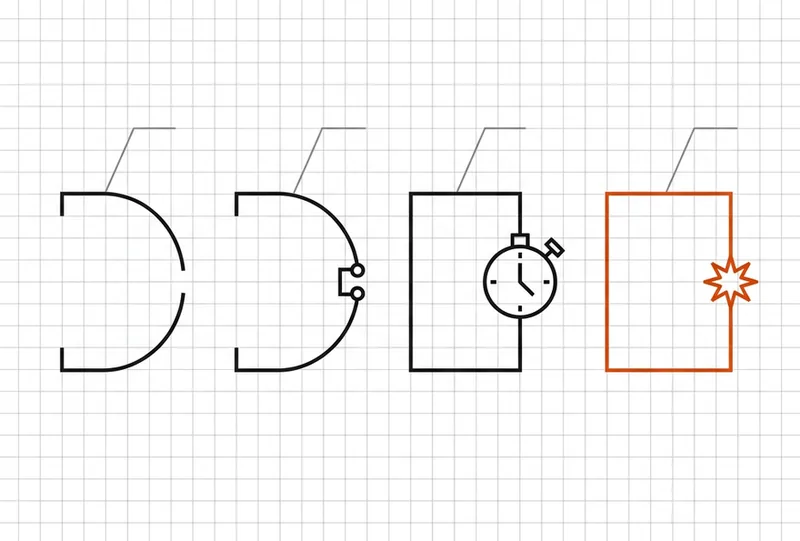
Answer up front: The four loop types in Claude Code are turn-based (you prompt and judge every turn), goal-based (/goal runs until a verifiable condition is met), time-based (/loop and /schedule run on an interval), and proactive (event- or schedule-triggered routines that compose goals, workflows, and auto mode).
The taxonomy is fine. But the mental model that actually made it click for me is the hand-off ladder: each loop type delegates one more piece of the loop to the machine.
| Loop type | You hand off | Use it when | Reach for |
|---|---|---|---|
| Turn-based | the check | you're exploring or deciding | custom verification skills |
| Goal-based | the stop condition | you know what "done" looks like | /goal |
| Time-based | the trigger | work arrives on someone else's clock | /loop, /schedule |
| Proactive | the prompt itself | work is recurring and well-defined | all of the above + dynamic workflows |
Turn-based: hand off the check#
The default. You prompt, Claude gathers context, acts, self-checks, responds. You are the stop condition, which is correct for exploratory work, one-off changes, anything where your taste is the verifier.
The quality lever here isn't looping at all. It's encoding your manual review into a SKILL.md so the agent can see, measure, or interact with its own result: start the dev server, click the thing, check the console for zero errors, run a performance trace. The more quantitative the checks, the better the agent self-verifies.
Goal-based: hand off the stop condition#
/goal defines what "done" looks like. Every time Claude tries to stop, a separate evaluator model - fresh context, not the agent grading its own homework - checks the condition and sends it back to work until the goal is met or a turn cap is hit.
/goal get the homepage Lighthouse score to 90 or above, stop after 5 tries
Deterministic criteria are the entire game here. "12 tests pass" and "Lighthouse ≥ 90" work. "Code is clean" doesn't, because the evaluator either fights you or ends early. /goal clear bails out; bare /goal shows turn count and token usage. (Requires a recent Claude Code build; the ≥ 2.1.139 figure circulating is third-party, so check the changelog.)
Time-based: hand off the trigger#
/loop 5m check my PR, address review comments, and fix failing CI
/loop re-runs a prompt on an interval, locally. Close the laptop, the loop dies. It stops when you cancel or the work genuinely completes: PR merged, queue empty.
/schedule is the same idea moved to the cloud as a routine (research preview at time of writing): it persists without your session, running on Anthropic infrastructure against a GitHub repo. This is the single most confused distinction in the discourse, so once more: /loop is your machine, /schedule is theirs.
Proactive: hand off the prompt#
The endgame. An event or schedule fires with no human present; each task exits when its goal is met; the routine runs until you switch it off. It composes everything: /schedule + /goal + dynamic workflows + auto mode (the routine doesn't stop to ask permission). The composite pattern from Anthropic's own guide:
/schedule every hour: check the project-feedback channel for bug reports.
/goal: don't stop until every report found this run is triaged, actioned,
and responded to. When fixing a bug, use a workflow to explore three
solutions in parallel worktrees and have a judge adversarially review them.
TL;DR: The ladder is a delegation gradient: check → stop condition → trigger → prompt. Climb one rung per task, only when the previous rung is boring.
The Build: Handing Off One Piece at a Time#
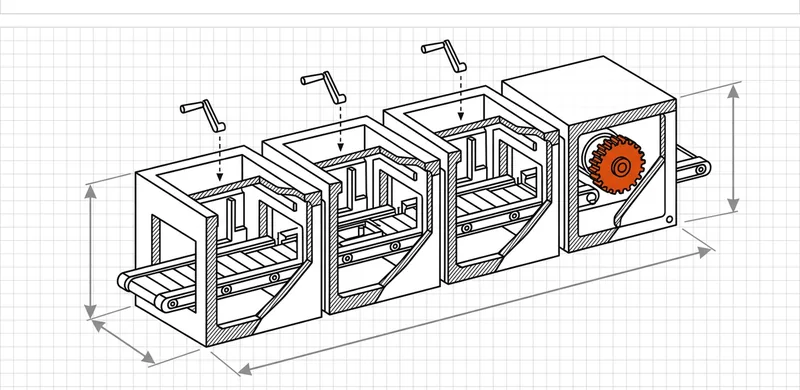
I converted the PR babysitter in four phases over two weeks. Here's the log, including the versions that didn't work.
Phase 1: Sharpen the turn-based loop first#
Unsuccessful approach: jumping straight to /loop 5m fix my PR. I tried. The agent "fixed" CI on the first iteration by skipping the flaky browser test. Technically green. Actually worse.
Successful approach: stay turn-based one more day and write the verifier. I encoded my own manual review ritual into a skill:
# SKILL: verify-pr-state
1. Run `npm test -- --runInBand`; require exit code 0. Do NOT skip,
   quarantine, or delete tests to achieve this.
2. Run `npm run lint`; require zero errors.
3. Fetch open review comments via `gh pr view --json comments`;
   every comment must have a reply or a linked commit.
4. If a browser test fails twice with the same error, re-run it in
   isolation before touching any code; it may be flake, not fault.
5. Report: tests <pass/fail count>, lint <count>, unresolved comments <count>.
Why it works: the skill converts "I eyeball the PR" into numbers that an agent or an evaluator can check. Rule 1's second sentence exists because of the skipped test. When a result misses the standard, don't fix the instance; encode the fix into the system so every future iteration inherits it.
Phase 2: Hand off the stop condition#
/goal PR #142 has all CI checks green and zero unresolved review
comments, verified via the verify-pr-state skill. Stop after 8 turns.
First run: goal met in 5 turns, ~20 minutes, zero interventions. The evaluator bounced the agent back twice, once for an unresolved comment the agent had answered in prose but never committed a fix for. Exactly the kind of "I've handled it!" drift a self-grading agent waves through.
Phase 3: Hand off the trigger#
The reviewer bot posts on its own schedule, so I wrapped the goal in time:
/loop 10m check PR #142; if there are new review comments or failing
checks, run the verify-pr-state skill and fix; if the PR is merged, stop.
Unsuccessful version: my first interval was 2m. The reviewer bot posts every 20-40 minutes. Eighteen of every twenty iterations were the agent re-reading an unchanged PR. Pure token incineration. Don't poll faster than the watched thing changes. I settled on 10 minutes and cut iteration count by ~80%.
Phase 4: Hand off the prompt#
Final state: a /schedule cloud routine (research preview, so I treat it as such) that runs nightly against the repo: check open PRs, fix build failures, answer review comments in fresh worktrees, rebase stale branches, and leave anything ambiguous for me. That last clause is the escalation path. Design a loop the way you'd onboard an employee: tools, docs, a definition of done, and explicit permission to say "this one's above my pay grade."
TL;DR: Ladder in order: verifier first, then /goal, then /loop, then /schedule. Every phase I tried to skip cost me a phase's worth of cleanup.
Keeping Quality High: The Verifier Is the Product#
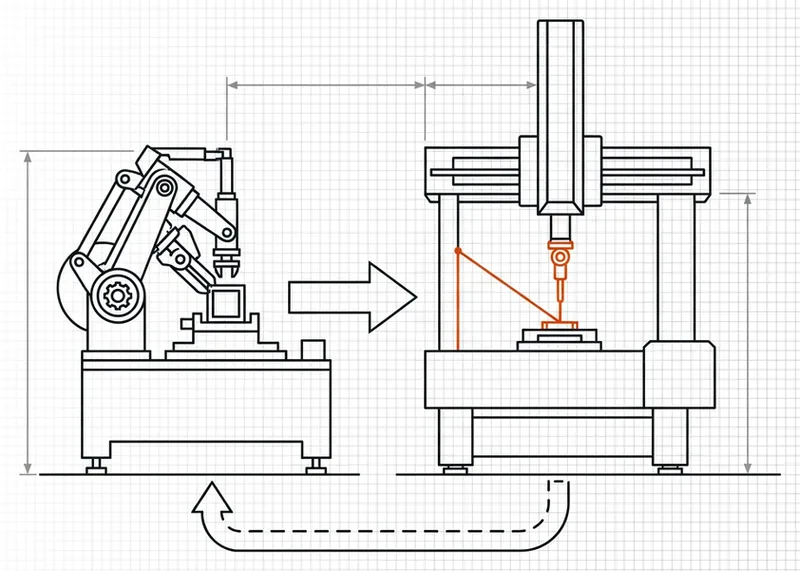
Answer up front: Loop quality is verification quality. The difference between an average loop and a great one is almost never the loop logic; it's whether "done" is a deterministic, independent, machine-runnable check.
Four practices carried the weight in my build:
- Separate maker from checker. A model grading its own homework over-reports success, and I watched it happen twice.
/goal's external evaluator institutionalizes the split; for reviews, a second agent with fresh context (the built-in/code-reviewskill, or Code Review for GitHub) is measurably less biased than the author-agent re-reading its own diff. - Keep the codebase clean. The agent follows existing patterns, which is leverage when your patterns are good and a photocopier for mess when they aren't. My inconsistent error handling got faithfully replicated into three new files before I noticed.
- Make docs reachable. Current framework docs within reach beat the model's memory of last year's API.
- Encode every fix into the system. Individual corrections evaporate; a line added to a
SKILL.mdorCLAUDE.mdcompounds. This is the actual craft of loop engineering: the loop is ten minutes of setup, while the verifier is a living document you improve for weeks.
// statelessness never goes away: state lives in files, git, CLAUDE.md, never in the context window
The pattern from the community's pre-primitive era still applies: the "Ralph" bash loops worked because each iteration was a fresh agent with clean context reading repo state from disk, doing one unit of work, committing, exiting. The intelligence lived in granular specs and external memory, not in one heroic context window. The new primitives didn't replace that insight; they packaged it.
Keeping Token Costs Under Control#
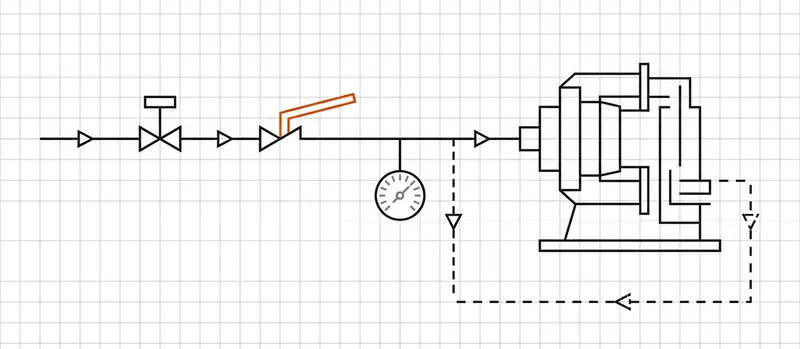
Answer up front: Cost control in loops means bounding before running: a turn cap inside the goal itself, a spend ceiling before you walk away, a pilot slice before any large workflow, and the smallest model that can do the job.
My working checklist, in the order the money leaks:
- Cap inside the condition. "…stop after 5 tries" belongs in the goal text, not in your intentions. An uncapped loop on a vague goal runs until it hits API limits or your credit pool; it's the community's most-repeated cautionary tale for a reason.
- Ceiling before walking away. Every routine gets a spend limit set before it runs overnight, not after the invoice.
- Pilot before scale. Dynamic workflows can spawn hundreds of agents. Run one slice, read the usage, extrapolate, then commit.
- Right-size the model. Effort level and model choice are the biggest cost levers there are. My 10-minute PR poll doesn't need the frontier model to notice "no new comments."
- Scripts for deterministic steps. Running a shipped script every iteration is cheaper and more reliable than re-reasoning the same code into existence. If the loop does the same transformation each pass, freeze it into a script inside the skill.
- Match the interval to reality. See Phase 3. My 2-minute polling mistake was ~90% waste on an unchanged PR.
- Actually read the meters.
/usagebreaks usage down by skills, subagents, and MCPs; bare/goalshows turns and tokens;/workflowsshows per-agent burn and lets you kill any agent mid-flight.
TL;DR: Three independent exits per loop: a verifier, a hard iteration cap, and a budget. Any single one can fail. That's why you want all three.
What Broke: Failure Modes and Their Guards#
Concrete failures from my two weeks, each generalized into the mistake you can skip.
| What broke (for me) | The general mistake | The guard |
|---|---|---|
First /goal had no turn cap; burned 40 minutes circling a comment it couldn't resolve |
No bound. Vague goal + no cap = runs until limits or money end it | Put the cap in the condition text; set spend ceilings before walking away |
| Agent went green by skipping the flaky test | Objective misspecification. "Make CI pass" without "don't weaken the checks" | Boolean/numeric goals naming the exact verification command and the forbidden shortcuts |
| Agent replied to a review comment in prose, committed nothing, declared done | Grading its own homework. Hallucinated success is a top failure mode | Independent verifier: external evaluator, second agent, or a script that checks artifacts, not claims |
| Two parallel fix attempts stomped each other's changes | No isolation. Two agents, one checkout → silent overwrites | Git worktrees; one checkout per agent (confirm the exact isolation: worktree syntax in current docs) |
| Loop retried the identical failing command four times | Spinning on the same error | Feed the previous failure into the next attempt; detect repetition; cap iterations |
| A long session got dumber as it went | Context bloat. Stale reasoning fills the window | Fresh context per iteration; state in files and git, not the transcript |
| The 2-minute poll | Polling faster than reality changes | Interval ≥ the watched system's actual change rate |
And the meta-mistake wrapping all of them: over-engineering. My first instinct was to reach for dynamic workflows with a judge agent for what was, honestly, one PR. The guide's very first advice - start with the simplest solution - is there because everyone ignores it. A sharper verification skill on a plain turn-based loop beats a clever multi-agent topology you can't debug.
When not to loop at all: architecture rewrites, auth and payments code, production deploys, exploratory refactors where "good enough" is a judgment call. No automatic verifier means nothing holds the loop accountable, and expensive mistakes live exactly where "done" is subjective. Those tasks stay turn-based, with my eyes as the check. That's not a limitation of the tooling; it's the tooling telling you the truth.
FAQ: Agentic Loops, Answered#
What is an agentic loop?#
An agentic loop is an AI agent repeating cycles of work - reason, act, observe - until a stop condition is met, such as a verified goal, a turn cap, or a schedule ending.
What is loop engineering?#
Loop engineering is designing the system that triggers, verifies, and stops an AI agent - the trigger, the goal, the verifier, and the budget - instead of prompting the agent by hand at every step.
What are the four loop types in Claude Code?#
Turn-based (you prompt and judge each turn), goal-based (/goal, which runs until a verifiable condition is met), time-based (/loop and /schedule, which run on an interval), and proactive (event- or schedule-triggered routines composing goals, workflows, and auto mode).
What does the /goal command do?#
/goal defines what "done" looks like. Each time Claude tries to stop, a separate evaluator model checks the condition and sends Claude back to work until the goal is met or a defined turn cap is reached.
What's the difference between /loop and /schedule?#
/loop re-runs a prompt on an interval locally; it stops when you close your machine. /schedule moves the routine to the cloud, where it persists without your session.
When should I NOT use a loop?#
When "done" is a judgment call with no machine-checkable verifier: architecture rewrites, auth/payments code, exploratory work. Without an automatic verifier, nothing holds the loop accountable.
How do I keep loop costs under control?#
Set a turn cap in the goal itself, set a spend ceiling before walking away, pilot workflows on a small slice, use smaller models for smaller tasks, use scripts for deterministic steps, and review /usage regularly.
Do I need to be a developer to use loops?#
Not for cloud routines; they're configured in the browser with plain-language instructions, connectors, and a schedule (on paid plans per current third-party reporting, so verify against your plan). CLI loops (/goal, /loop) assume Claude Code familiarity.
What's the most common loop failure?#
A loop that doesn't stop - a vague goal with no cap burning tokens - followed by hallucinated success, where the agent reports completion without an independent check confirming it.
What I'd Do Differently - and Your First Loop This Week#
Honest retrospective, in cost order:
- I'd write the verifier on day one, not day four. Every hour spent on
verify-pr-statereturned more than any hour spent on loop mechanics. The ROI is in the check, not the cleverness. - I'd never run an uncapped goal, even "just to test." My test run was the runaway run. There is no casual mode for a machine that doesn't stop.
- I'd skip the multi-agent detour. Two days prototyping a judge/worker workflow for a problem a single goal loop solved. Simplest thing first, and actually first, not first-after-the-fun-version.
- I'd log from the start. Early iterations left no trail; when the agent spun on an error, I reconstructed events from git reflog like a crime scene. Observability isn't a later feature.
- I'd treat research-preview features as research previews.
/scheduleand dynamic workflows were labeled preview at publication; I built assumptions on third-party specs I hadn't verified. Check the official docs before load-bearing use.
The playbook if you're starting this week:
- Look at work you already do. Pick one task where you're the bottleneck and the blast radius is small.
- Ask which piece you can hand off: Can you write the verification check? Is the goal boolean? Does the work arrive on a schedule?
- Hand off that one piece. Run it. Watch where it stalls or over-reaches.
- Iterate on the loop, not the output. Every fix goes into the skill, the goal text, or CLAUDE.md, so tomorrow's loop is smarter than today's.
The arc of the last three years - prompt engineering, context engineering, harness engineering, now loop engineering - is the same lesson repeating: the leverage keeps moving up a level. The bottleneck is no longer how you phrase the prompt. It's whether you can design a trigger, a verifier, a stop rule, and a memory that don't need you standing next to them.
Pick the task. Write the check. Cap the loop. Walk away, and read the meters when you come back.
Next: loop_008 - writing verification skills that don't lie to you.